
AI image
Canva
Canva is a globally recognized online graphic design platform that lowers the barrier to entry through an intuitive drag-and-drop interface and a vast library of templates.
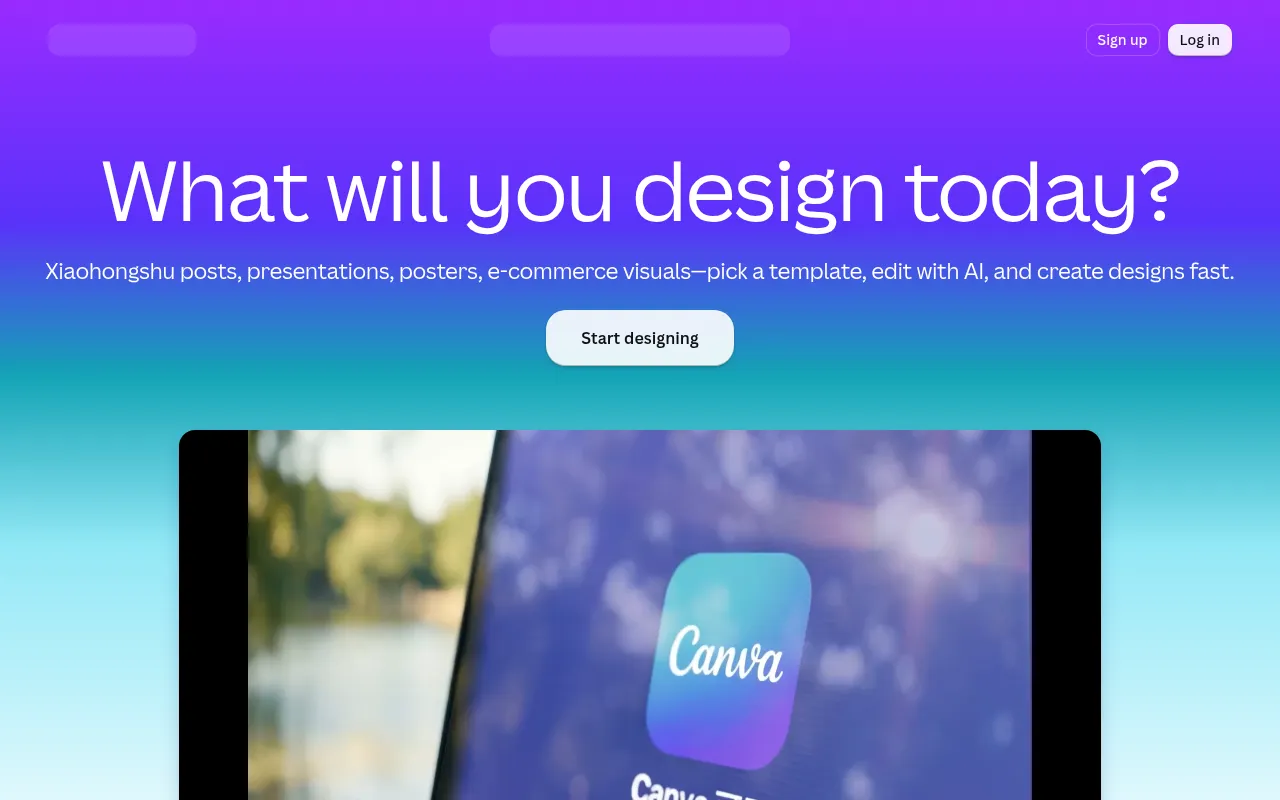
What is Canva?
Canva is a globally recognized online graphic design platform that lowers the barrier to entry through an intuitive drag-and-drop interface and a vast library of templates.Whether creating social media posts, presentations, or marketing materials, users can quickly transform ideas into visual assets.
The platform integrates a rich asset library with intelligent tools, supporting multi-user collaboration and cross-device synchronization.While specific AI feature details should be verified on the official website, Canva continuously strives to simplify design workflows through technology, helping users efficiently complete the process from concept to final product.
Key features
- Vast Template LiOffers millions of professional design templates covering social media, documents, video, and more, catering to diverse industry needs.
- Intuitive EditorFeatures a simple drag-and-drop interface, allowing users to easily adjust layouts, colors, and fonts without professional design software skills.
- Smart Design TooIntegrates intelligent assistance features to help users quickly generate design suggestions, resize images, and optimize visual effects.
- Team CollaboratiSupports real-time multi-user editing and commenting, facilitating team sharing of brand assets and collaborative project completion.
- Multi-format ExpAllows exporting designs in various formats such as PNG, JPG, PDF, or MP4, suitable for both print and digital publishing needs.
How to use it
- Visit the official Canva website and sign up for an account.
- Enter keywords in the homepage search bar to select a suitable design type or template.
- Use the left-side toolbar to add text, images, elements, or backgrounds.
- Adjust the layout via drag-and-drop and use smart tools to refine design details.
- Click the share or download button and choose the desired format to save your work.
Where it fits
- Social Media ManQuickly create cover images and illustrations for Instagram, Facebook, or WeChat Official Accounts.
- Business PresentCreate visually appealing and consistent PowerPoint presentations to enhance reporting effectiveness.
- Marketing CampaiDesign posters, flyers, business cards, and email banners to strengthen brand visual identity.
Pricing and free quota
Pricing and any free quota follow the official site.
Who it is for
- Small Business Owners
- Social Media Managers
- Educators
- Freelance Designers
FAQ
Do I need professional design skills to use Canva?
No.Canva is designed for non-professionals, allowing anyone to get started easily through its drag-and-drop interface and pre-set templates.
Can I use Canva for free?
Yes, Canva offers a free version with many basic features and templates, as well as paid subscriptions for advanced features.
Is the Chinese interface supported?
Yes, Canva supports multiple interface languages, including Simplified Chinese, making it convenient for users in China.