
AI video
HeyGen
HeyGen is a leading AI video generation platform that empowers users to create clear, confident professional videos without the need for cameras or production crews.
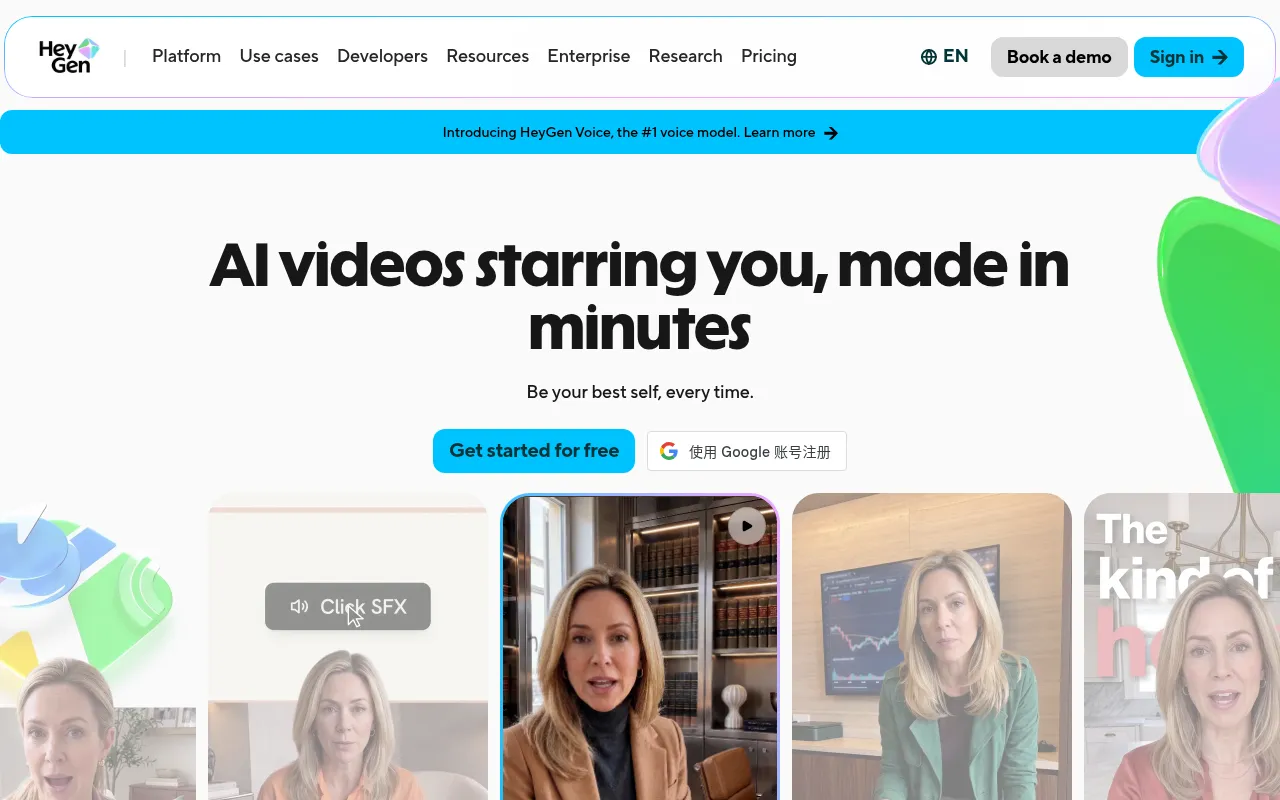
What is HeyGen?
HeyGen is a leading AI video generation platform that empowers users to create clear, confident professional videos without the need for cameras or production crews.At its core is Avatar V technology, which captures facial features, micro-expressions, and body language to generate personal digital avatars with high character consistency, effectively eliminating the 'uncanny valley' effect common in traditional AI videos.
The platform offers an end-to-end solution from script to final cut, supporting rapid video generation via text, image, or audio inputs.One of HeyGen's most standout features is its video translation capability, which converts content into over 175 languages and dialects while preserving the original tone and voice, complete with precise lip-syncing, significantly lowering the barrier for global content creation.
Recognized as a Forbes AI 50 company and rated #1 for most realistic avatars on G2, HeyGen is trusted by over 1 million developers and numerous Fortune 100 companies.Whether for social media content, online courses, or internal corporate communications, HeyGen's AI Studio provides an intuitive experience similar to document editing, making video creation as simple as writing.
Key features
- Avatar V DigitalBuilt on a five-stage AI training pipeline that captures behavior, gestures, and micro-expressions, ensuring identity consistency across angles and video lengths without drift or artifacts.
- Precise Lip-SyncAchieves phoneme-level lip-sync accuracy across 175+ languages and dialects, ensuring perfect agreement between audio and visual mouth movements at any speed.
- One-Click VideoTranslate videos by uploading files or pasting YouTube links; AI clones the original voice tone and adjusts lip movements for seamless localization without reshoots.
- Video AgentGenerate complete videos with voiceovers, visuals, and avatars simply by typing a prompt, requiring no editing software skills or camera equipment.
- AI Studio EditorA text-based editor allows control over tone, delivery, gestures, and emotion like writing a document, with instant adjustments to text, color, and timing after generation.
- Multi-Format InpSupports Text-to-Video, Image-to-Video (with added lip-sync), and Audio-to-Video (turning podcasts or voiceovers into videos with subtitles and avatars).
How to use it
- Sign up for a HeyGen account and log in to the AI Studio.
- Choose to create a Personal Avatar or select from pre-made templates.
- Input your video script, or import content via text, image, or audio files.
- Adjust the avatar's tone, gestures, background, and visual elements.
- Click generate to render the video, with options for post-generation editing.
- Download the video or share it directly to social media and business platforms.
Where it fits
- Global MarketingTranslate product demo videos into multiple languages with one click, maintaining consistent brand ambassador imagery to rapidly expand into overseas markets.
- Corporate TrainiQuickly produce compliance training, onboarding guides, and business communication courses without repeatedly filming real people, reducing update costs.
- Social Media ConCreators use digital avatars to produce short videos at high frequency, maintaining on-camera consistency to boost fan engagement and content output.
Pricing and free quota
Pricing and any free quota follow the official site.
Who it is for
- Marketing Professionals
- Corporate Trainers
- Content Creators
- Cross-border E-commerce Sellers
FAQ
How many languages does HeyGen support?
HeyGen supports video generation and translation in over 175 languages and dialects, with precise lip-syncing capabilities.
What is a Personal Avatar?
A Personal Avatar is a digital twin trained on your actual footage, mimicking your facial expressions, voice, and body language to generate realistic videos.
Can I edit the generated videos?
Yes, AI Studio allows full editing of text, color, timing, and layout after generation without needing to re-render the entire video from scratch.