
AI learning
Reading Coach
Reading Coach is a practice tool developed by Microsoft, designed for anyone looking to build their literacy skills.
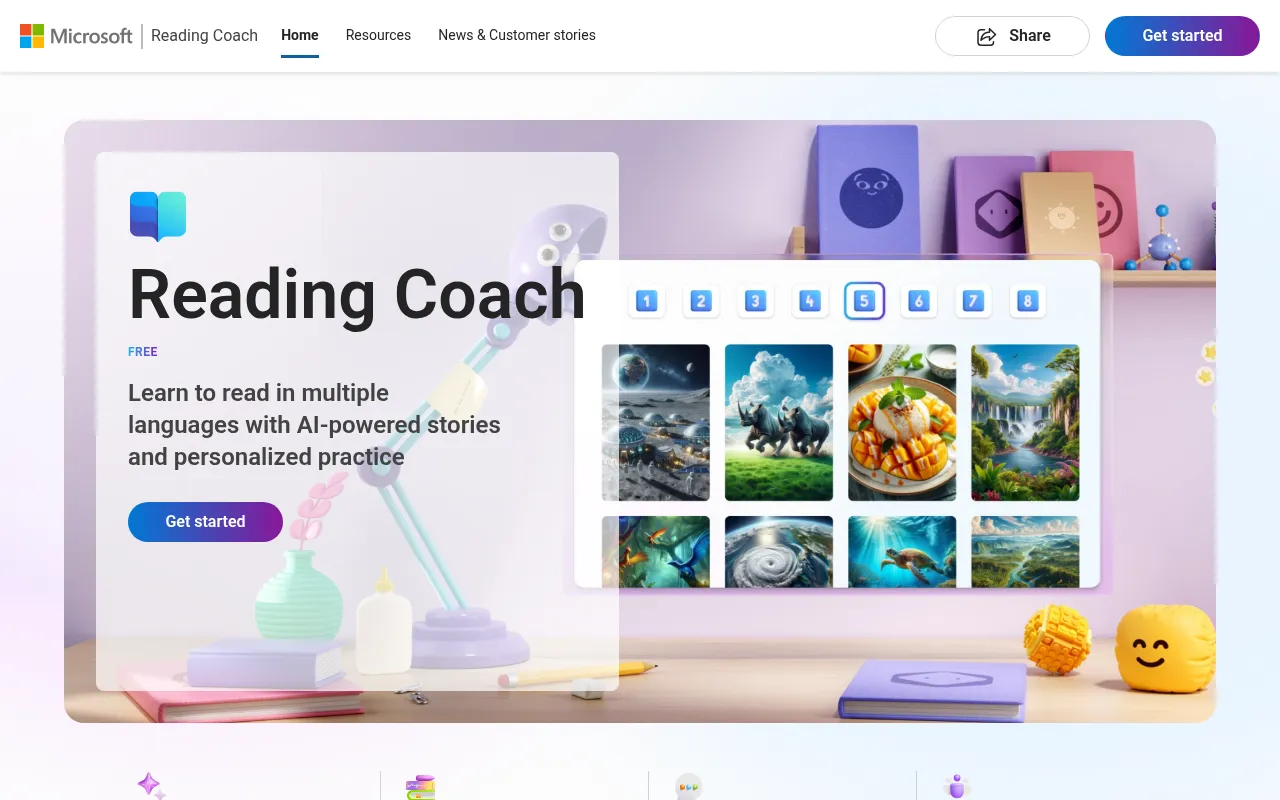
What is Reading Coach?
Reading Coach is a practice tool developed by Microsoft, designed for anyone looking to build their literacy skills.By leveraging the power of AI to generate stories and integrating a library of leveled passages from ReadWorks, it ensures learners practice with content that aligns with their specific abilities and interests.
The application keeps learners engaged through interactive features such as unlocking new characters and settings, practicing their most challenging words, and tracking progress over time.Reading Coach is suitable for learners who already know how to decode words, offering a structured environment to strengthen reading fluency.
Key features
- AI Story GeneratUses artificial intelligence to generate custom stories, making reading materials more engaging and relevant.
- Leveled PassagesIntegrates a library of leveled passages from ReadWorks to ensure content difficulty matches the learner's reading level.
- Personalized MatRecommends content based on the learner's abilities and interests for a tailored reading experience.
- Gamified EngagemIncreases motivation and fun through mechanisms like unlocking new characters and settings.
- Challenging WordFocuses on reinforcing the learner's most difficult words to help overcome reading barriers.
- Progress TrackinRecords and displays reading progress over time, allowing for easy review and assessment.
How to use it
- Visit the official Reading Coach website and launch the application.
- Ensure the learner has basic word decoding skills.
- Select a topic of interest or let the AI generate a story suited to the current reading level.
- Start the reading practice, paying attention to marking any difficult words encountered.
- Check progress updates after completion and try to unlock new character or setting rewards.
Where it fits
- Home TutoringParents can use the tool to provide extra reading practice for children and track improvements via progress reports.
- Classroom SuppleTeachers can utilize the leveled passage library to assign appropriate reading materials to students of different levels for differentiated instruction.
- Self-ImprovementLearners with basic decoding skills can maintain reading habits through interesting AI-generated stories, gradually improving fluency.
Pricing and free quota
Pricing and any free quota follow the official site.
Who it is for
- Learners looking to build literacy skills
- Teachers seeking supplemental teaching tools
- Parents monitoring their children's reading development
- Users who already know how to decode words
FAQ
Is Reading Coach suitable for beginners?
The application is designed for learners who already know how to decode words, helping them further build their literacy skills.
Where do the reading materials come from?
Content combines AI-generated stories with a library of leveled passages from ReadWorks, ensuring materials are both engaging and level-appropriate.
How does it keep learners interested?
It maintains engagement through gamified elements like unlocking new characters and settings, practicing challenging words, and tracking progress.