
AI coding
AgnesCode
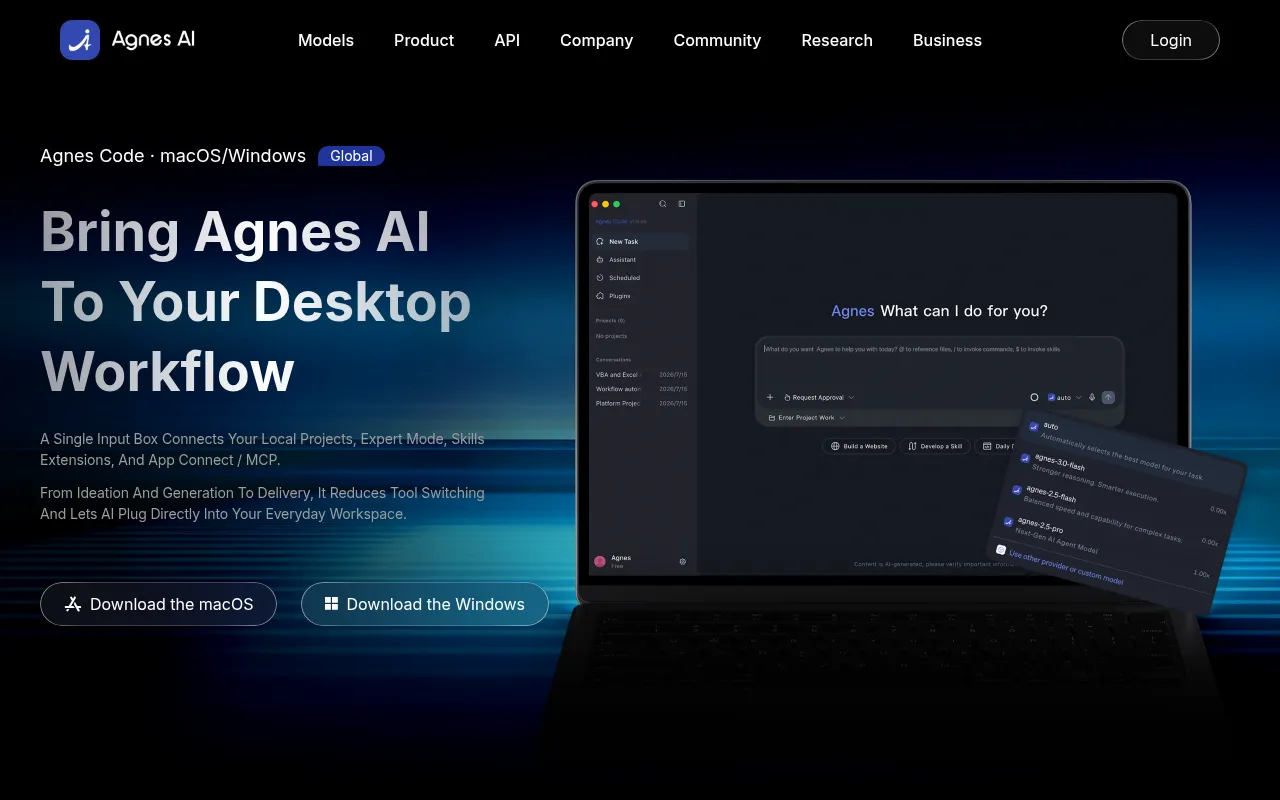
AgnesCode is a free desktop AI coding assistant designed to integrate seamlessly into your local project workflows.
What is AgnesCode?
AgnesCode is a free desktop AI coding assistant designed to integrate seamlessly into your local project workflows.Supporting both macOS and Windows, it helps developers enhance efficiency in daily coding tasks while maintaining localized control over their codebases.
The tool offers two core modes to suit different needs: Smart Mode handles quick, routine coding tasks efficiently, while Expert Mode provides users with full control over the AI assistance process.This design ensures convenience for simple tasks while meeting the precision requirements of complex engineering projects.
Key features
- Completely FreeAs a free desktop tool, AgnesCode lowers the barrier to AI-assisted programming, allowing developers to experience smart coding assistance without worrying about subscription fees.
- Dual-Mode OperatFeatures Smart Mode for quick tasks and Expert Mode for deep control, flexibly adapting to different development stages from simple scripts to complex architectures.
- Local Project SuDesigned specifically for local projects, it can directly understand and analyze code context on your machine, providing suggestions that are more relevant to your actual projects.
- Cross-Platform CNatively supports both macOS and Windows operating systems, ensuring a consistent and smooth experience for users in different development environments.
- Desktop IntegratRuns as a desktop application, allowing for tighter integration with your local development environment compared to browser extensions or web-based tools.
How to use it
- Visit the official AgnesCode website to download the installer for macOS or Windows.
- Install and launch the AgnesCode desktop application on your computer.
- Open your local code project folder to prepare for coding work.
- Choose Smart Mode for quick completions or switch to Expert Mode for deep interaction based on task complexity.
- Collaborate with the AI assistant in your editor to generate code, fix bugs, or optimize logic.
Where it fits
- Daily Code ComplUse Smart Mode to quickly generate boilerplate code or complete common functions, boosting daily development speed.
- Complex Logic DeDeeply analyze code issues under Expert Mode to get detailed debugging suggestions and refactoring plans.
- Local Private PrLeverage the desktop advantage to safely conduct AI-assisted development in environments where code localization is required.
Pricing and free quota
Pricing and any free quota follow the official site.
Who it is for
- Independent Developers
- Software Engineers
- Local Project Maintainers
- macOS/Windows Users
FAQ
Which operating systems does AgnesCode support?
AgnesCode supports both macOS and Windows, catering to most desktop development environments.
What is the difference between Smart Mode and Expert Mode?
Smart Mode is designed for quick handling of simple tasks, while Expert Mode offers higher granularity of control, suitable for complex coding scenarios requiring fine-tuning.
Is AgnesCode free to use?
According to official information, AgnesCode is a free AI coding tool.