
AI coding
CodeFlicker
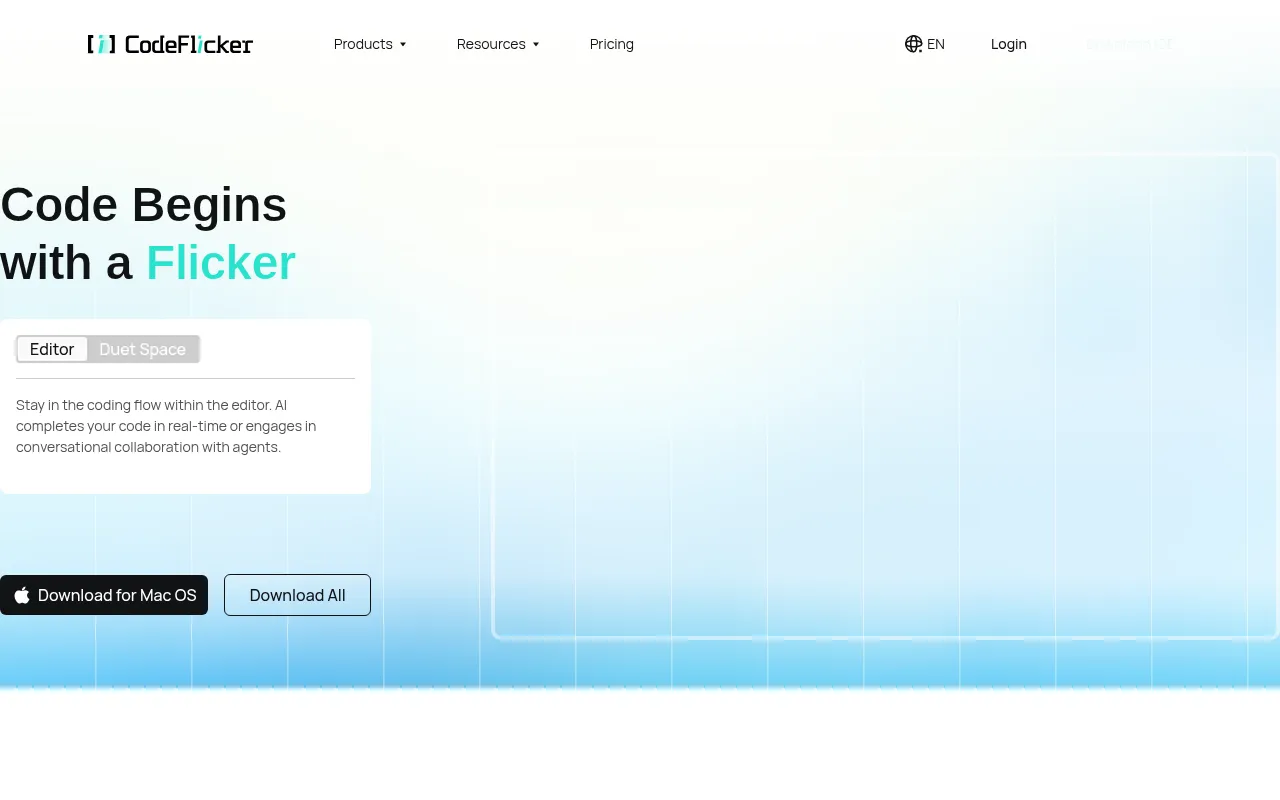
CodeFlicker is an AI-powered intelligent code editor designed to revolutionize the development experience through autonomous coding agents and context-aware code completion.
What is CodeFlicker?
CodeFlicker is an AI-powered intelligent code editor designed to revolutionize the development experience through autonomous coding agents and context-aware code completion.It supports multiple programming languages and integrates deeply with Kuaishou's private knowledge base, delivering more precise and business-relevant code suggestions.
Beyond core coding assistance, CodeFlicker offers Figma-to-code conversion capabilities and seamless IDE extensions.These features work together to help developers unlock their code imagination and streamline the workflow from design to implementation.
Key features
- Autonomous CodinProvides intelligent agents capable of executing complex coding tasks independently to reduce developer workload.
- Context-Aware CoDelivers precise auto-completion suggestions based on the current code environment to boost coding speed.
- Figma to CodeConverts Figma designs directly into runnable frontend code, shortening the development cycle.
- Kuaishou KnowledIntegrates Kuaishou's private knowledge base to provide code references aligned with specific business logic.
- Multi-Language SSupports a wide range of mainstream programming languages to meet diverse tech stack requirements.
- IDE Extension InOffers convenient IDE plugins, allowing developers to use AI features directly within their familiar environments.
How to use it
- Visit the official CodeFlicker website to learn more about the product.
- Download and install the CodeFlicker extension plugin for your preferred IDE.
- Configure the plugin to connect to the Kuaishou private knowledge base (if applicable) or set personal preferences.
- Start coding in the editor to experience context-aware auto-completion.
- Try the Figma-to-code feature by importing designs to generate basic code structures.
Where it fits
- Rapid Frontend DUse the Figma-to-code feature to quickly transform UI designs into frontend page structures.
- Enterprise CodeEnsure generated code adheres to specific team or enterprise standards through private knowledge base integration.
- Complex Logic ImLeverage autonomous coding agents to handle tedious or complex coding tasks, improving development efficiency.
Pricing and free quota
Pricing and any free quota follow the official site.
Who it is for
- Frontend Engineers
- Full-Stack Developers
- Enterprise Teams Requiring Specific Standards
- Individual Developers Seeking Efficient Coding
FAQ
Which programming languages does CodeFlicker support?
CodeFlicker supports multiple mainstream programming languages; please refer to the official documentation for the specific list.
How do I get access to the Kuaishou private knowledge base?
This usually involves internal enterprise configuration; please contact your administrator or check CodeFlicker's enterprise edition details.
Does CodeFlicker offer a free trial?
For information on free quotas or trial plans, please visit the official CodeFlicker website for the latest policies.