
AI coding
Codiga
Codiga is a static code analysis and security review tool, now part of Datadog.
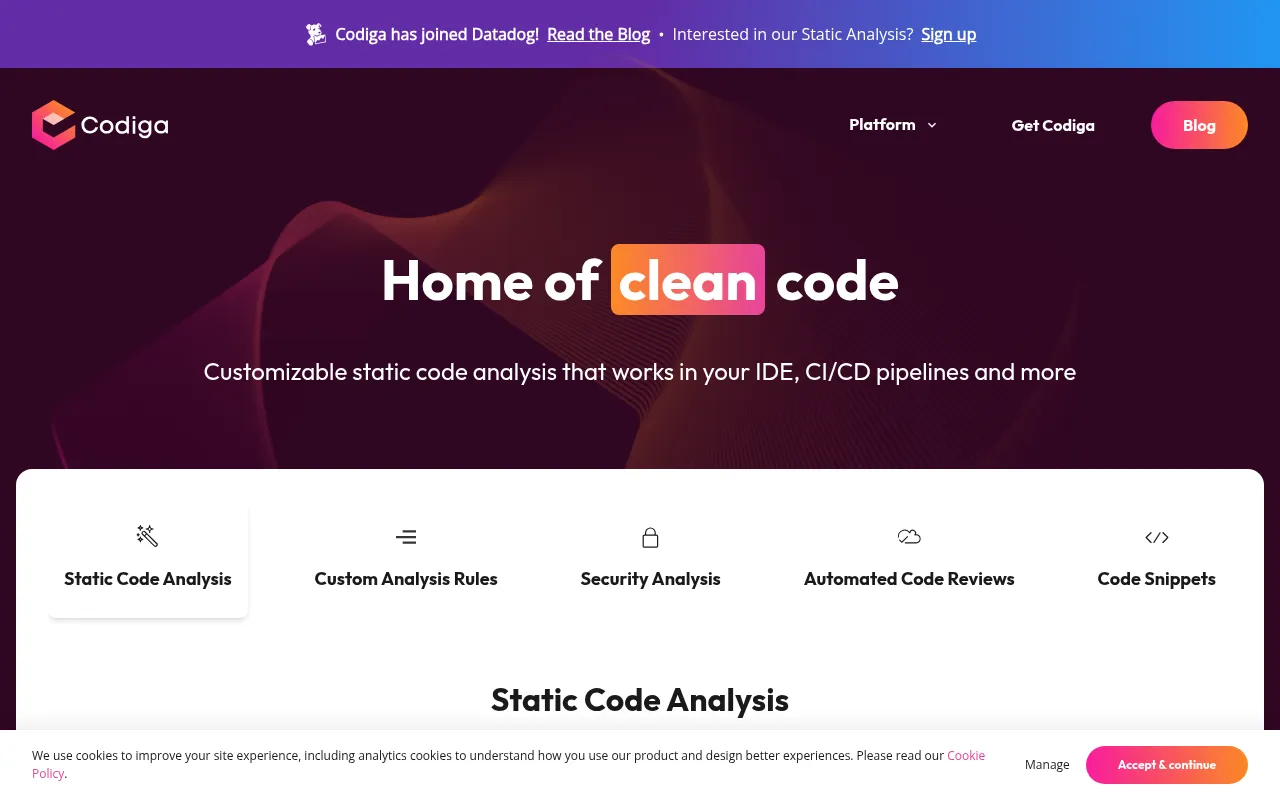
What is Codiga?
Codiga is a static code analysis and security review tool, now part of Datadog.It helps teams detect and fix issues as they write code, improving code quality, security, and collaboration efficiency.
The tool integrates deeply with major IDEs like VS Code, JetBrains, and Visual Studio, as well as platforms such as GitHub, GitLab, and Bitbucket.Through real-time analysis, automated code reviews, and smart snippet management, Codiga enables developers to resolve vulnerabilities and style violations without leaving their editor.
Supporting over 12 programming languages and 1800+ analysis rules, Codiga covers key security standards including OWASP Top 10, MITRE CWE, and SANS/CWE Top 25.Both individual developers and engineering teams can establish tailored code quality defenses through customizable rules and sharing mechanisms.
Key features
- Real-Time StaticInstantly detects code issues and suggests fixes directly in your IDE, without waiting for builds or commits.
- Automated SecuriOne-click autofix for common security vulnerabilities and coding errors, reducing manual patching time.
- Deep Security CoBuilt-in rulesets cover OWASP Top 10, SANS/CWE Top 25, and detect leaked secrets like SSH keys or API tokens.
- Custom Rule EngiCreate, test, and share your own static analysis rules in under 5 minutes via the browser.
- Automated Code RAnalyzes Pull Requests in seconds, flagging violations, duplicates, and complex functions to accelerate merges.
- Smart Code SnippQuickly create, find, and share private or public code snippets within your IDE to boost reuse.
- IaC AnalysisStatic security checks for Terraform and Docker configurations to ensure safe deployment baselines.
How to use it
- Sign up on the official website and install the Codiga plugin for VS Code, JetBrains, or Visual Studio.
- Log in within your IDE, and Codiga will start analyzing your open files in real-time.
- Browse existing rulesets on the Codiga Hub or create custom static analysis rules as needed.
- Configure Git Hooks or enable integrations in GitHub/GitLab to automate checks before pushes or during PRs.
- Review the dashboard reports to monitor key quality metrics like violations, duplicates, and function complexity.
Where it fits
- Daily DevelopmenDevelopers receive instant security warnings and fix suggestions while coding, preventing basic errors from entering the codebase.
- CI/CD Quality GaAutomatically block commits that fail security standards or contain critical violations in continuous integration pipelines.
- Team CollaboratiTech leads unify coding styles and security baselines by sharing custom rulesets across the team.
- Legacy Code RefaUse automated reviews to quickly identify complex functions and duplicate logic in older projects to aid refactoring decisions.
Pricing and free quota
Pricing and any free quota follow the official site.
Who it is for
- Backend and Frontend Developers
- DevOps and Security Engineers
- Engineering Team Leads
- Open Source Maintainers
FAQ
Which programming languages does Codiga support?
Codiga supports over 12 major programming languages with 1800+ analysis rules tailored for them.
Can it analyze infrastructure code?
Yes, Codiga provides static security analysis for Infrastructure as Code (IaC) files like Terraform and Docker.
How does it integrate with existing Git workflows?
Codiga supports local checks via Git Hooks before pushing and deeply integrates with Pull Request flows on GitHub, GitLab, and Bitbucket.
Can I create my own analysis rules?
Yes.You can easily create and test custom rules in the browser and share them with your team or publicly on the Codiga Hub.