
AI coding
HeyCLI
Instantly translate natural language into Linux terminal commands with AI
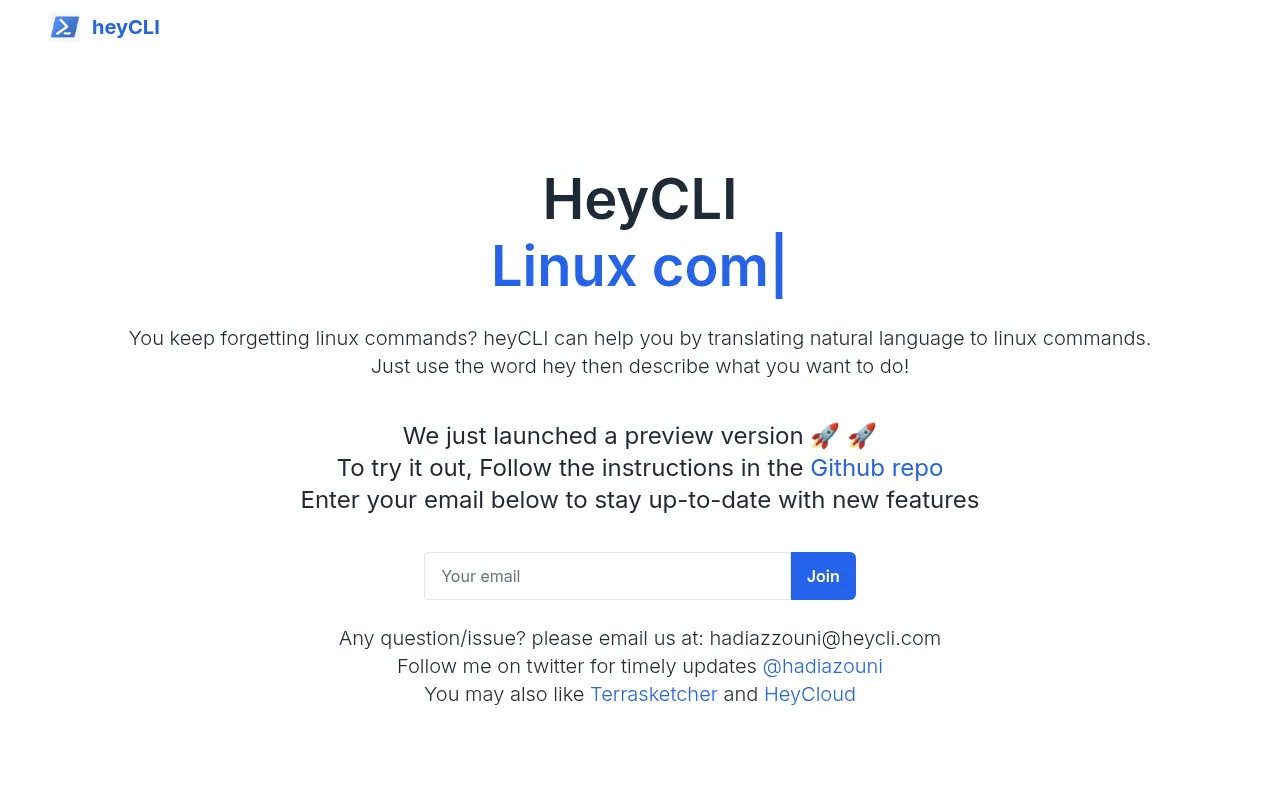
What is HeyCLI?
HeyCLI is an AI-powered assistant designed to simplify command-line interactions by translating natural language into precise Linux commands.It serves as your terminal copilot, eliminating the need to memorize complex syntax or constantly search for documentation.
With HeyCLI, you can simply type 'hey' followed by a description of what you want to achieve, and the tool will generate the corresponding Linux command for you.Currently available in a preview version, it aims to make terminal workflows more intuitive and efficient for developers of all levels.
Key features
- Natural LanguageDescribe tasks in plain English, and HeyCLI automatically converts them into executable Linux commands.
- Terminal IntegraDesigned specifically for the terminal environment, accessible directly via a simple trigger word in the command line.
- Reduced Memory LEliminates the need to memorize complex flags and parameters, allowing you to focus on logic rather than syntax.
- Preview AvailabiCurrently available in a preview version, with installation instructions provided through the GitHub repository.
- Active DevelopmeThe team actively collects feedback and shares updates on new features via email lists and social media.
How to use it
- Visit the HeyCLI GitHub repository to access the latest installation instructions and preview code.
- Follow the guide to configure the HeyCLI tool in your local environment.
- Open your terminal and type the trigger word 'hey'.
- Describe the Linux operation you want to perform in natural language (e.g., find large files).
- Copy the generated command and execute it in your terminal to complete the task.
Where it fits
- Daily OperationsQuickly generate common commands for file management, permission changes, or system monitoring to boost productivity.
- Beginner LearninHelps Linux beginners understand command structures and explore new CLI capabilities through natural language descriptions.
- Complex QueriesAvoids syntax errors when constructing complex grep or find queries that require multiple parameter combinations.
Pricing and free quota
Pricing and any free quota follow the official site.
Who it is for
- Linux Developers
- System Administrators
- DevOps Engineers
- Command Line Beginners
FAQ
Which Linux distributions does HeyCLI support?
HeyCLI aims to generate standard Linux commands compatible with most major distributions.Please refer to the GitHub repository for specific compatibility details.
How can I get the latest version?
You can follow the official Twitter account or subscribe to the email list for updates, and download the latest preview version from the GitHub repository.
What if the generated command is incorrect?
As this is a preview version, please review the generated commands before execution.You can contact the development team via the official email for feedback.