
AI coding
JamGPT
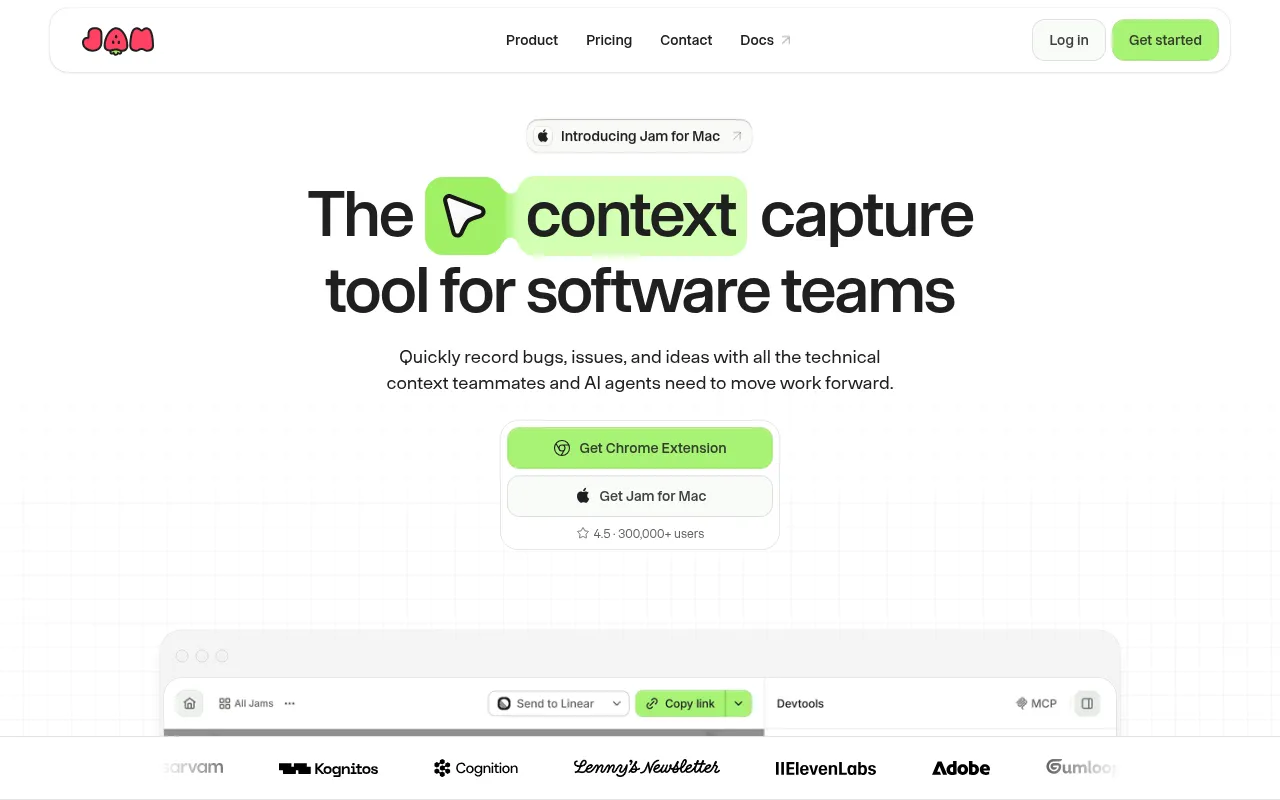
Jam is a screen recorder and feedback tool designed for software teams to eliminate communication barriers in bug reporting.
What is JamGPT?
Jam is a screen recorder and feedback tool designed for software teams to eliminate communication barriers in bug reporting.Beyond capturing screen activity, it automatically attaches technical context such as console logs, network requests, user events, and device details, enabling developers and AI agents to start investigating immediately without asking for reproduction steps.
Powered by Jam AI, the tool automatically suggests titles, summaries, and reproduction steps, transforming vague feedback into structured tickets.Users can seamlessly route recordings to Linear, Jira, or Slack for team triage, or integrate them into AI coding workflows to accelerate the path from discovery to fix.
Key features
- Automatic TechniAutomatically captures and attaches console logs, network requests, user events, and device details during recording.
- Jam AI Smart SumAI automatically generates clear titles, issue summaries, and reproduction steps to reduce manual ticket writing.
- Multi-Platform SAvailable as a Chrome extension, iOS app, and Mac desktop client to capture issues anywhere.
- Seamless WorkfloRoute recordings directly to Linear, Jira, Slack, or AI tooling for efficient team triage and investigation.
- MCP Debugging SuSupports debugging Jams via MCP (Model Context Protocol) for enhanced interoperability with AI tools.
How to use it
- 1.Install the Jam Chrome extension, Mac client, or iOS app.
- 2.Start a recording or take a screenshot when you encounter a bug or have feedback.
- 3.Jam automatically captures the screen along with underlying technical logs and network requests.
- 4.Review the auto-generated summary and reproduction steps provided by Jam AI.
- 5.Share the Jam link with teammates or push it directly to project management tools like Jira or Linear.
Where it fits
- QA Testing ReporTesters record reproduction paths with automatic error logs attached, helping developers quickly identify root causes.
- Customer SupportSend recording links to customers to visually demonstrate issues, complete with technical context for troubleshooting.
- AI Agent CollaboProvide Jams with full context to AI coding agents, enabling them to autonomously analyze and suggest fixes.
Pricing and free quota
Offers a Free plan (including 30 Jams and 5 Recording Links); Team plan is $14 per creator/month billed yearly.Pricing details are subject to the official website.
Who it is for
- Frontend and Backend Engineers
- QA Testers
- Product Managers
- Customer Success Teams
FAQ
What technical information does Jam record?
Jam automatically captures console logs, network requests, user interaction events, and device details.
Does it integrate with existing project management tools?
Yes, Jam integrates with tools like Linear, Jira, and Slack for efficient issue triage and handling.
What are the limits of the Free plan?
The Free plan allows for 30 Jams and 5 Recording Links, with a maximum recording duration of 5 minutes per session.