
AI coding
Kimi Code
Kimi Code is an AI coding toolkit designed specifically for developers by Moonshot AI.
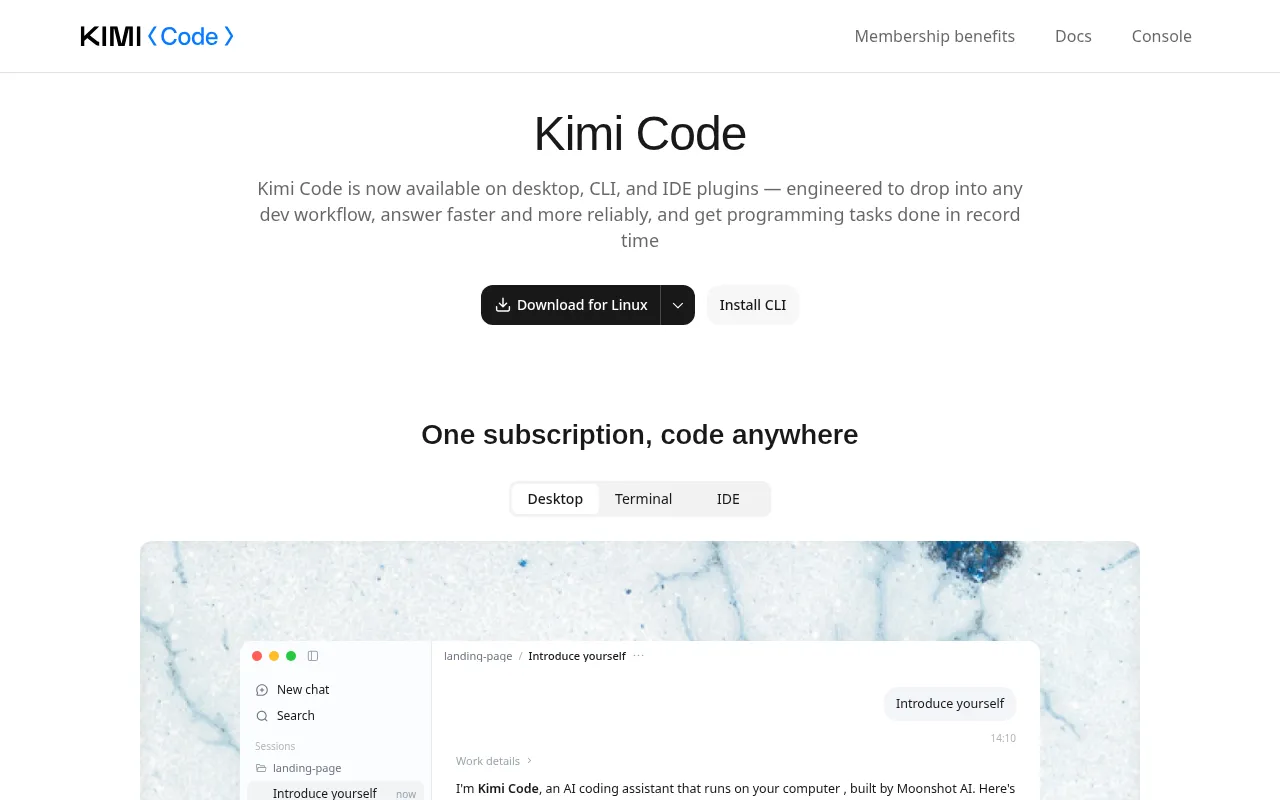
What is Kimi Code?
Kimi Code is an AI coding toolkit designed specifically for developers by Moonshot AI.Powered by the high-performance Kimi K3.1 Pro model, it aims to boost development efficiency through automated code generation and intelligent assistance.Whether implementing new features, fixing bugs, or refactoring, Kimi Code delivers fast and reliable responses.
The tool spans multiple development environments, including a desktop client, Command Line Interface (CLI), and VS Code plugin, ensuring seamless compatibility with various workflows.Kimi Code goes beyond writing code; it can understand entire codebases, execute terminal commands to verify results, and even search the web for the latest technical documentation, serving as a comprehensive AI programming assistant running directly on your machine.
Key features
- Powered by KimiDriven by the latest high-performance model, excelling in complex coding tasks, game 3D, and knowledge-based assignments, with support for up to 1M context window.
- Cross-Platform IOne subscription grants access across Desktop, Terminal, and IDE plugins, adapting flexibly to different development scenarios.
- Deep Code UndersCapable of searching, reading, and analyzing existing codebases to precisely locate issues and provide context-aware modification suggestions.
- Autonomous CommaCan directly execute tests, build scripts, and system commands in the local environment, automatically verifying results to close the loop.
- Real-Time Web SeSupports online search for the latest technical information and reading web content, ensuring code implementation is based on current standards and docs.
- Efficient RefactAssists with engineering tasks ranging from simple bug fixes to complex middleware refactoring, enhancing overall code quality.
How to use it
- Visit the Kimi Code official website or app store to download and install the desktop client or IDE plugin suitable for your OS.
- Log in with your Kimi account and ensure you have subscribed to a plan that includes Kimi Code benefits to unlock the K3 model.
- Start a new session in the desktop app or open the plugin panel in VS Code, then import or point to your project codebase.
- Describe your requirements in natural language, such as 'optimize order interface pagination' or 'fix session list scroll jitter'.
- Review the code generated or command results executed by Kimi Code, and apply them to your project once verified.
Where it fits
- Legacy Code MainQuickly read and analyze large legacy codebases, understand business logic, and assist with module refactoring and technical debt cleanup.
- Full-Stack FeatuAssist developers in end-to-end feature implementation and debugging, from frontend interaction restoration to backend API optimization.
- Automated TestinAutomatically run unit and integration test scripts, locate issues based on error messages, and attempt fixes to accelerate CI/CD workflows.
Pricing and free quota
Pricing and any free quota follow the official site.
Who it is for
- Full-stack software engineers
- Frontend and backend developers
- Teams handling legacy codebases
- Independent creators seeking efficient development
FAQ
Which development environments does Kimi Code support?
Kimi Code currently covers the desktop client, CLI tools, and VS Code IDE plugins, compatible with most mainstream development workflows.
Can Kimi Code run my code directly?
Yes, Kimi Code can execute tests, build scripts, and other commands, and verify results.However, it runs in your local environment, so you should confirm the safety of execution.
How do I get access to the Kimi K3.1 Pro model?
You need to subscribe to a membership plan that includes Kimi Code benefits.Please refer to the official pricing page for specific tiers.