
AI agents
QwenWork
QwenWork is Alibaba's official AI office and work platform.
What is QwenWork?
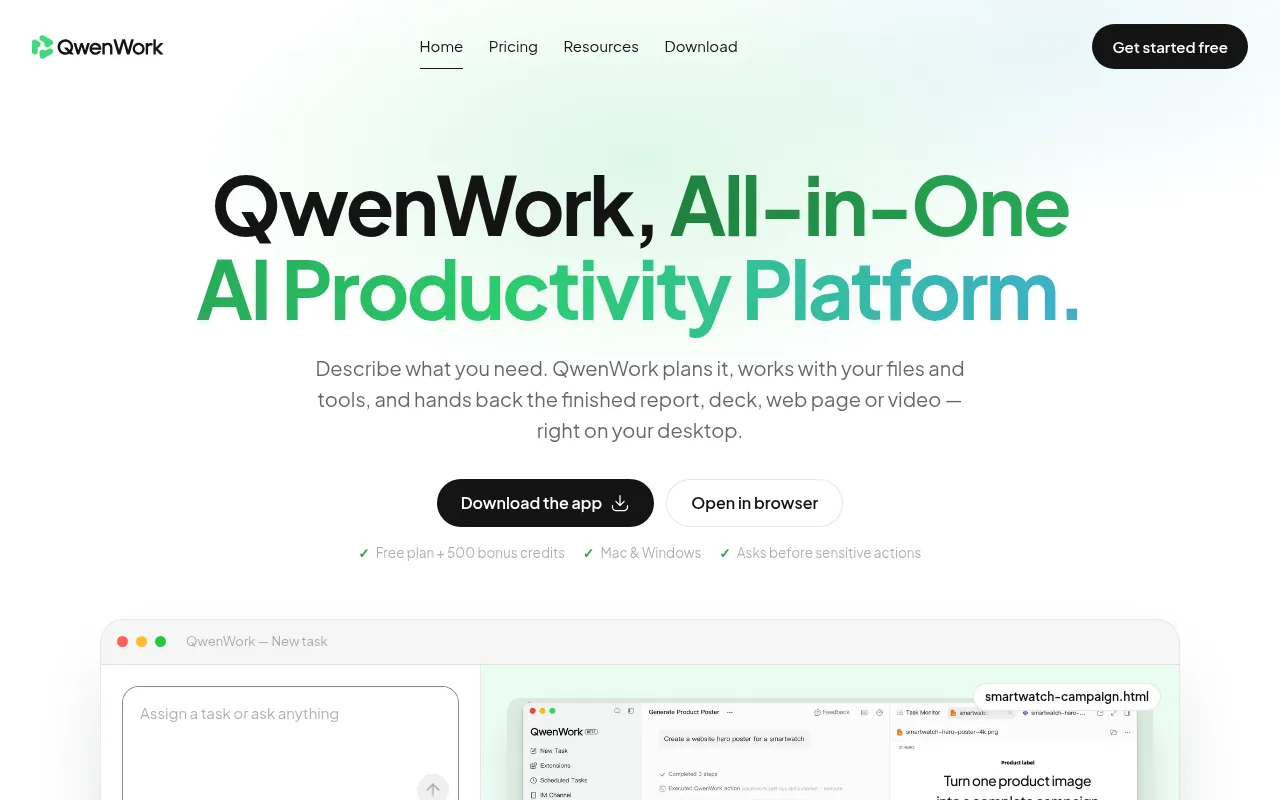
QwenWork is Alibaba's official AI office and work platform.It goes beyond simple chat interactions by acting as an intelligent agent that understands your goals, plans the necessary steps, and delivers finished outcomes directly.Whether turning briefs into documents, slides, live web pages, images, or videos, QwenWork handles the entire workflow right on your desktop.
With native apps for Mac and Windows, it interacts directly with your local files and folders while maintaining strict safety controls by asking for approval before sensitive actions.From generating e-commerce product pages with a single click to automating daily business briefs, QwenWork is designed to condense hours of work into the time it takes to drink a coffee.
Key features
- Full-Format DeliDirectly generates publishable docs, slide decks, live web pages, images, audio, and video files, not just text drafts.
- Desktop File IntNative support for Mac and Windows, allowing direct reading and processing of your specified local folders, photos, or spreadsheets.
- Intelligent SkilAutomatically breaks down tasks and loads the appropriate official Skills and connectors based on needs, requiring no prompt engineering.
- Safety & ControlAll high-risk or sensitive actions (like deleting files or publishing) require user confirmation, with every step visible and transparent.
- Parallel ProcessSupports up to 10 parallel tasks on the Free plan and unlimited on paid plans, letting you work on other things while QwenWork runs.
- Scheduled AutomaSet recurring tasks, such as automatically generating daily business briefs with key metrics and insights every morning.
How to use it
- 1.Describe the outcome: Type your goal in plain English, or point the app at a folder, product photo, or spreadsheet.
- 2.Auto-planning: QwenWork breaks the task into steps and automatically loads the necessary Skills and tools.
- 3.Execution & Approval: The system begins working and pauses for your approval before any sensitive actions.
- 4.Review & Tweak: Inspect the real files generated (docs, web pages, or videos) and request changes using natural language.
- 5.Publish or Export: Publish live web pages with one click, or save the generated files directly to your local drive.
Where it fits
- E-commerce MarkeUpload a single product photo to automatically generate selling-point copy, lifestyle visuals, and a publishable landing page without a photoshoot.
- Founder's DailyConnect business data sources to automatically generate a morning summary of revenue, orders, and conversion rates with prioritized next steps.
- Content CreationStart from a short brief or reference image to produce a complete promo video with script, visuals, voice-over, and music.
- File OrganizatioPoint at a messy downloads folder to let AI sort, rename, summarize documents, and batch-convert file formats automatically.
Pricing and free quota
Offers a Free plan with 500 signup bonus credits and 200 daily login bonus credits.Plus plan is $20/month, and Pro plan is $40/month.Enterprise pricing is custom and requires contacting sales.Refer to the official website for details.
Who it is for
- E-commerce sellers and marketers
- Startup founders and operators
- Content creators and brands
- Knowledge workers handling heavy document loads
FAQ
How is QwenWork different from a standard chatbot?
Standard chatbots usually provide text drafts for you to copy-paste.QwenWork executes the entire workflow, delivering finished files like web pages, videos, and PPTs, while showing every step of the process.
Are my local files safe?
Yes.QwenWork only works with files and folders you explicitly choose.It always pauses and waits for your confirmation before performing any sensitive actions like deleting or modifying files.
How many tasks can I run simultaneously?
The Free plan supports up to 10 parallel tasks, while Plus and Pro plans offer unlimited parallel tasks, allowing you to multitask efficiently.
What output formats are supported?
It supports docs, slide decks, live web pages, images, GIFs, voice, music, and video, delivering ready-to-ship final files.