
AI coding
Warp Code
Warp Code is an all-in-one agentic development platform built by the team behind Warp, designed to help developers write, review, and debug production-ready code efficiently.
What is Warp Code?
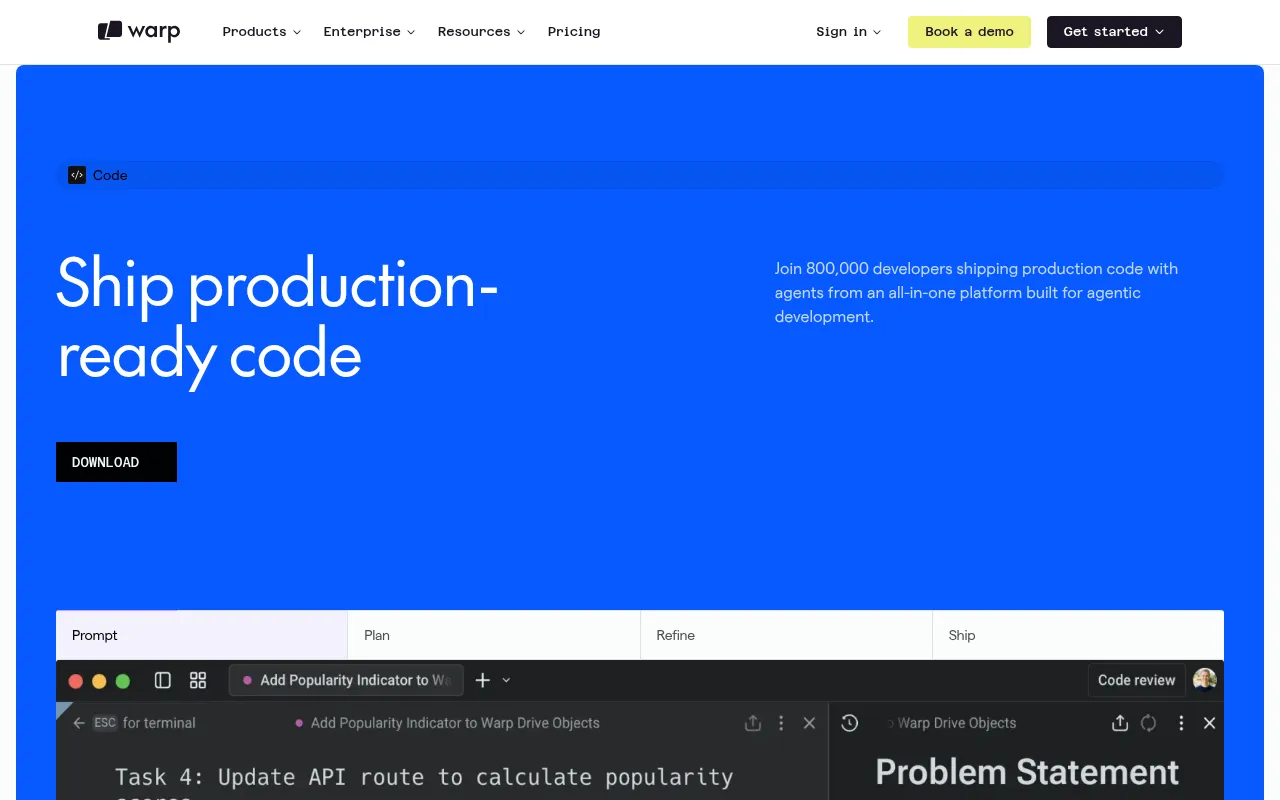
Warp Code is an all-in-one agentic development platform built by the team behind Warp, designed to help developers write, review, and debug production-ready code efficiently.It breaks down the barriers between traditional editors and terminals, making AI agents central to your workflow—from prompting and planning to submitting PRs without ever leaving your terminal.
The platform features the advanced Oz agent, which supports multi-model routing, cross-repo change coordination, and full terminal and computer use capabilities.Whether handling complex client-server contract updates or using voice-to-text via Wispr Flow, Warp Code delivers a seamless, secure, and highly controlled development experience.
Warp Code emphasizes data privacy and enterprise-grade security, offering secret redaction, Bring Your Own LLM (BYO LLM) options, and granular autonomy controls.Built on the modern foundation of Warp Terminal, it provides comprehensive capabilities ranging from codebase indexing to MCP integrations for both individual developers and large engineering teams.
Key features
- Oz AgentsState-of-the-art AI agents with Full Terminal Use and Computer Use capabilities, allowing them to run interactive commands and verify changes end-to-end.
- Multi-Model RoutInstant access to models from OpenAI, Anthropic, Google, xAI, and open-source models like GLM 5.2.Mixed-model agents route each step to the best model available.
- Cross-Repo CoordOz agents can review complex multi-repo changes and coordinate cross-team tasks, such as updating internal docs or syncing client-server contracts.
- Real-Time ReviewReview agent-generated code in real-time within Warp's native file editor.Leave comments, make edits, or re-prompt with one click without breaking your flow.
- MCP IntegrationsConnect to tools like Linear, Figma, Slack, and Sentry via Model Context Protocol (MCP), enabling agents to access content from your existing stack.
- Enterprise PrivaFeatures secret redaction, 1Password/LastPass integration, SAML SSO, and role-based access control to ensure sensitive data never reaches external model providers.
How to use it
- Download and install Warp Terminal for macOS, Linux, or Windows.
- Launch Warp Code and describe your development task in natural language, attaching files, images, or URLs as context if needed.
- Let the Oz agent analyze the request and generate an execution plan, which you can edit or refine before proceeding.
- Monitor the agent's execution in the terminal, reviewing the code it writes in real-time and making adjustments as necessary.
- Once satisfied, commit and push your PR directly from the Warp interface, staying entirely within your terminal workflow.
Where it fits
- Complex RefactorLeverage Oz agents' cross-repo capabilities to synchronize updates between frontend components and backend APIs, ensuring contract consistency.
- Daily DebuggingInvoke agents directly in the terminal to analyze error logs, run interactive commands to fix issues, and verify the results.
- Documentation MaInstruct agents to read the latest code changes and automatically update relevant internal technical documentation and README files.
Pricing and free quota
Offers a Free tier with core terminal features and limited agent usage; Build plan at $20/month (includes $20 agent usage); Max plan at $200/month; Business plan at $50/user/month; Enterprise pricing requires contacting sales.Pricing details are subject to the official website.
Who it is for
- Full-stack developers seeking efficient workflows
- Engineering teams coordinating multi-repo changes
- Enterprise users prioritizing data privacy and security
- Tech leads integrating AI into existing DevOps toolchains
FAQ
Which operating systems does Warp Code support?
It supports macOS (10.14+), Linux (Debian, Ubuntu, Red Hat, Fedora, SUSE, Arch), and Windows (10/11).
Will my code data be used to train models?
No.The official site states that external model providers do not train on your data, and you can opt out of analytics telemetry with one click.
Can I bring my own API keys?
Yes.Both the Free and Enterprise tiers support Bring Your Own LLM (BYO LLM) or custom inference endpoints.
What makes Oz agents special?
Oz agents have Full Terminal Use and Computer Use capabilities, allowing them to run interactive commands, review multi-repo changes, and verify changes end-to-end.